Virtual try on clothes online
AI Outfit Try-On
Try on clothes online before you buy. Upload a photo, pick an outfit and generate a visual preview. Free to try.
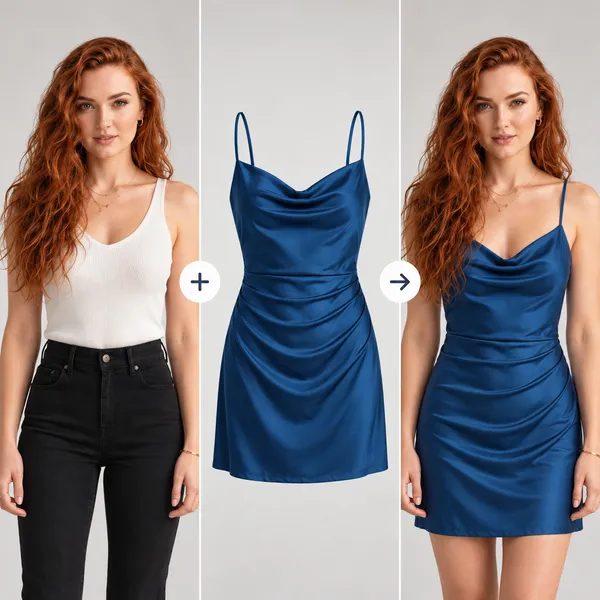
How virtual try on for clothes works
Three steps from photo to preview. No fitting room needed.
Upload a photo
Use a clear, well-lit photo of yourself with a simple pose.
Pick an outfit
Add the dress, suit, jacket or full look you are thinking about, from a product image.
See it on you
Compare a few options and keep the look that feels right.
Menswear works too
A plain white T-shirt and chinos, a blue windowpane blazer, and the generated preview.

Your photo
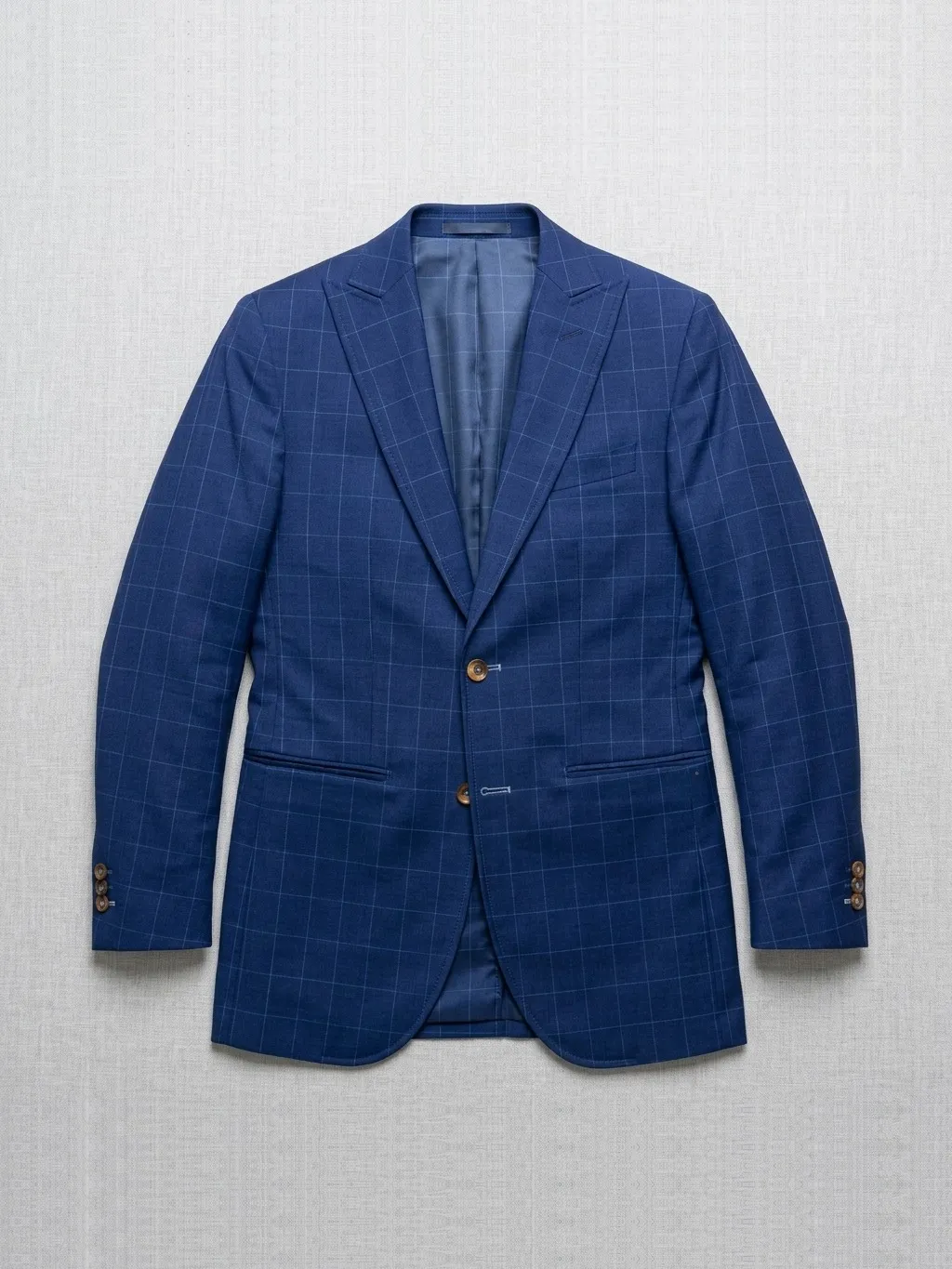
The outfit

The AI preview
Why try clothes on online first
An AI outfit try-on helps you decide with more than a model photo to go on.
Check color and style
See whether a shade and a cut suit you before you order.
Compare options
Try several outfits on the same photo and choose between them side by side.
Shop with confidence
Get a clearer idea of the overall look. For exact sizing, use the retailer size guide.
Try on clothes online, wherever you shop
Online shopping makes it hard to know how something will look on you. A virtual try-on gives you a preview from the photo you already have, so you can narrow down your options before you buy.
It works for planned looks too, like a wedding guest outfit, a job interview or a night out. Pick an occasion for tips, then try the outfit on.
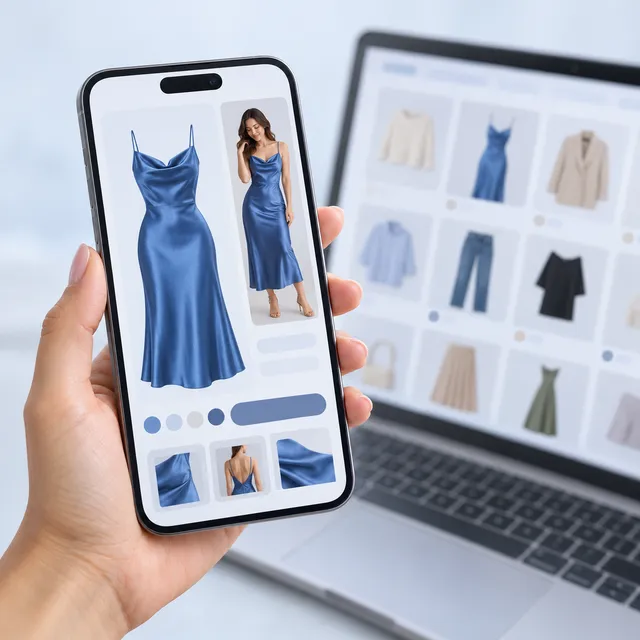
Outfit try-on by occasion
Not sure what to wear? Start with the event.
Wedding Guest
Dress codes, venues and seasons make wedding guest outfits hard to judge from a product photo. Upload a photo of yourself and see the outfit on you first.
Job Interview
Dressing the part is one less thing to worry about. Upload a photo and preview interview outfits on you before you buy or pack.
Prom
Prom outfits are a big purchase for one night. Preview dresses, suits and tuxedos on your own photo so you can narrow down the look before you spend.
First Date
A first date is easier when you are comfortable in what you are wearing. Preview a few options on your photo and choose the one that feels like you.
Holiday Party
From office parties to family gatherings, holiday events call for different levels of festive. Preview your outfit before the invitations pile up.
Beach Vacation
Packing for a beach trip means choosing several looks at once. Preview sundresses, cover-ups and resort wear on your photo to decide what earns a spot in your suitcase.
Frequently asked questions
How does AI outfit try-on work?
You upload a photo of yourself and an image of the outfit. The AI shows the outfit on you so you can judge the color, style and overall look.
Is it free to try on clothes online?
Yes. New accounts get free credits at sign-up, so you can try it before you pay anything.
Is virtual try on accurate?
Virtual try-on is useful for exploring an outfit's overall visual direction, such as color and styling, and for comparing options on the same photo. It is an AI-generated visualization, not a measurement or fitting. It cannot confirm exact size, fit, garment length, fabric drape, pattern placement or construction, and generated details may differ from the source images. Always check the retailer's photos, garment measurements, size guide, materials and return policy before purchasing.
Are my photos private?
How your photos are processed, stored and deleted is explained in our Privacy Policy.