Virtual dress try-on
Try On Dresses Online With AI
A dress can look very different away from a product photo. Upload your photo and compare its overall color and style before you order.
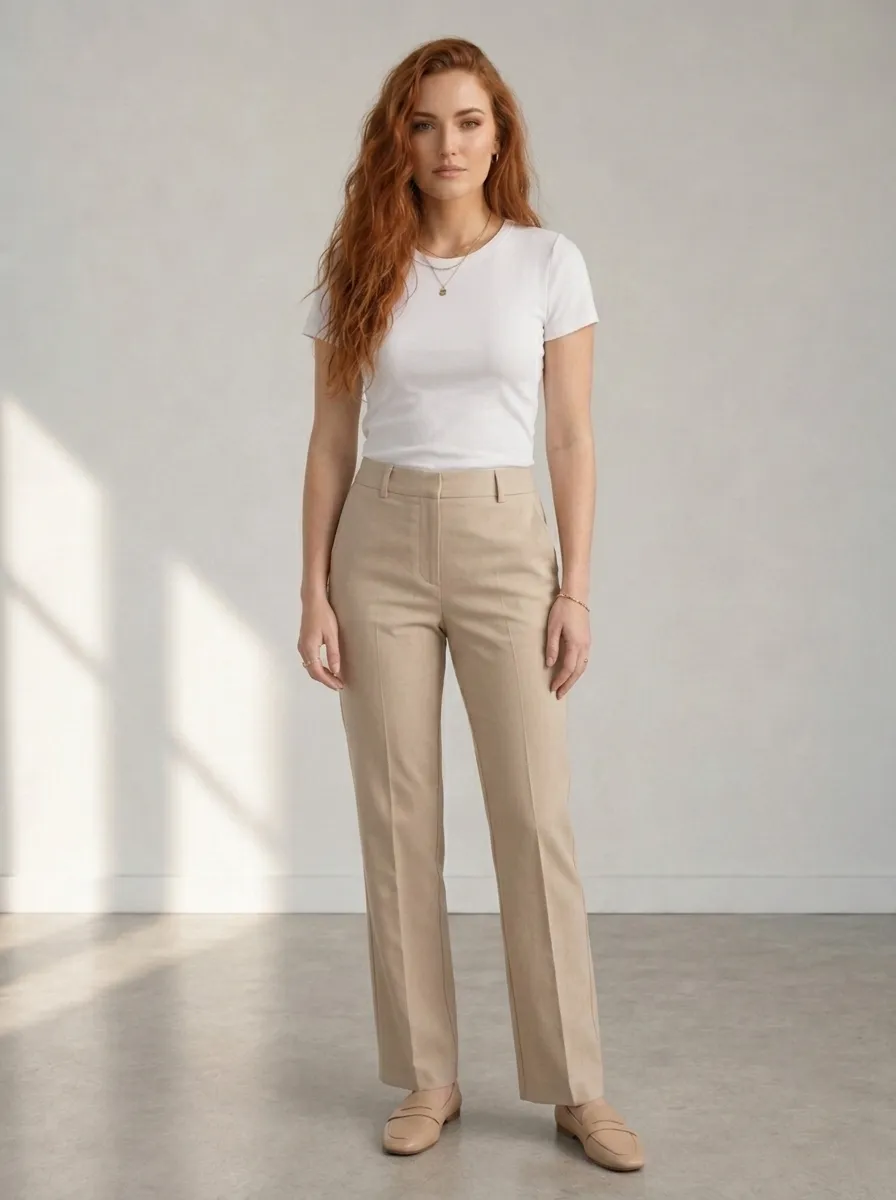
Your photo
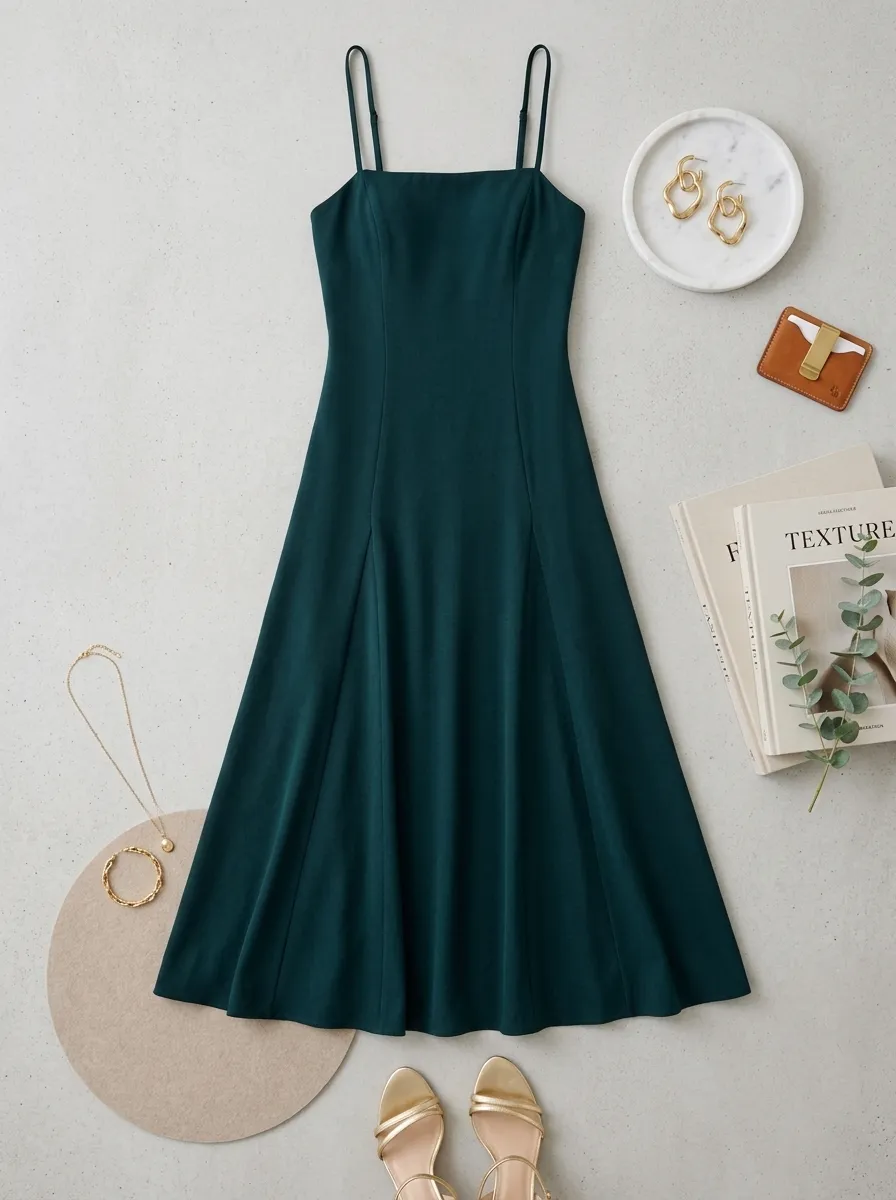
The outfit
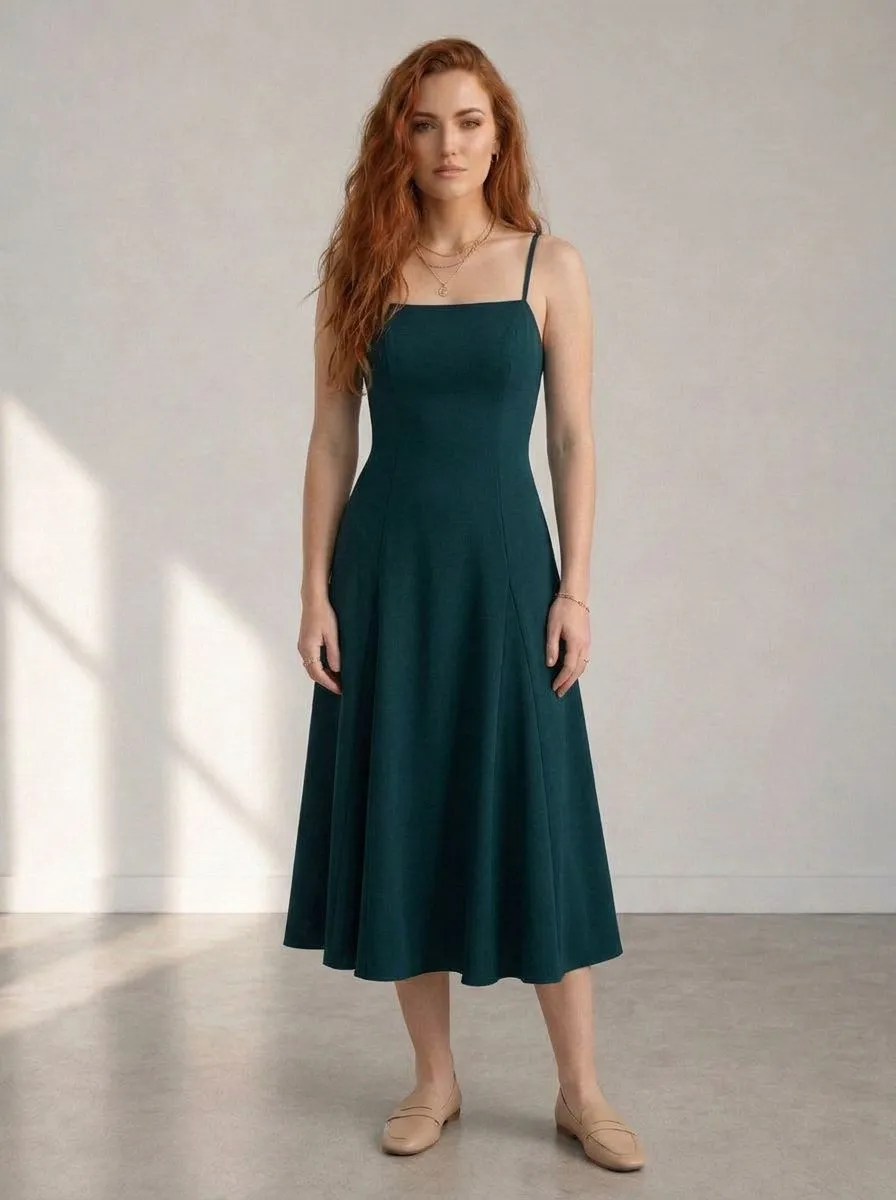
The AI preview
Compare dresses on your own photo
A virtual try-on lets you compare several dresses on your own photo, so you can narrow a long list down to the few worth buying before you order.
How to choose a dress when you can't try it on
Understand the silhouette first
Most dresses fall into a few shapes. A-line dresses fit at the bodice and flare from the waist. Wrap dresses tie at the side and adjust at the waist. Sheath dresses follow the body more closely. Slip dresses hang from thin straps in a drapey fabric, and shirt dresses button through the front and often have a collar.
Each shape creates a different overall impression, and you probably already know which ones you reach for. Previewing two or three shapes on your own photo can show you whether a new one is worth trying. To build a full look, you can also preview jackets over the dress.
Length changes the occasion
Mini, knee-length, midi and maxi dresses read differently and suit different settings. Midi and maxi lengths are popular for formal daytime and evening events, while knee-length is a common workplace and cocktail length. Retailers measure length from different points, so use the measurement and the model's stated height on the product page, not only the picture. See cocktail party and wedding guest outfits for how length suits each dress code.
The preview helps you judge the general look of a length. It does not show where the hem will land on you.
Fabric decides how it behaves
Two dresses with the same shape can look and feel very different in cotton, satin, crepe, linen or knit. Stretch fabrics are more forgiving on fit but show more of the body underneath, structured fabrics hold their shape, and lightweight fabrics can wrinkle or cling. The product description usually lists the material and care instructions, so read it before you buy.
An AI preview cannot reproduce how a specific fabric drapes or moves, which is another reason to treat it as a style guide.
Check the color on your own photo
The same dress in two shades can suit you very differently, and a product photo is lit for the camera, not for you. Try each color option on your own photo before you choose, and keep the dress code in mind: deeper tones are common for evening events and softer ones for daytime.
Getting a useful photo
Use a clear, well-lit, front-facing photo where your full body is visible and your arms are relaxed. Avoid bulky clothing, heavy filters and busy poses, which make it harder for the tool to place the dress accurately.
For the dress image, use a clean product photo of the dress on its own or on a model with a plain background, rather than a screenshot with text, prices or several garments. The same photo works for every clothing type, so you can try on other clothes without taking a new one.
Dress-buying checklist
- Silhouette and length compared on your own photo
- Garment length and bust, waist and hip measurements checked against the size chart
- Fabric, lining and stretch checked in the product description
- Neckline and straps checked for the undergarments you plan to wear
- Return policy and deadline confirmed
- Occasion, season and dress code kept in mind
How to try on a dress online
Upload a full-length photo
Stand straight in good light and keep your full body visible to give the AI a clear source image.
Add the dress
Use a clear product image of the dress you are considering.
Compare and decide
Repeat with other dresses and keep the one that looks best on you.
Dresses for every occasion
Wedding Guest
Dress codes, venues and seasons make wedding guest outfits hard to judge from a product photo. Upload a photo of yourself and see the outfit on you first.
Prom
Prom outfits are a big purchase for one night. Preview dresses, suits and tuxedos on your own photo so you can narrow down the look before you spend.
Cocktail Party
Cocktail attire sits between casual and formal, which makes it easy to misjudge. Preview your outfit on your photo to check you are dressed for the event.
Black Tie Gala
Black tie is the most formal dress code and often the most expensive outfit you will wear. Preview gowns and tuxedos on your photo before you commit.
Frequently asked questions
Can I try on a dress online before buying?
Yes. Upload a photo of yourself and a product image of the dress, and the tool generates a preview of it on you. You can repeat this with other dresses before you decide.
Is there a free virtual dress try-on?
Yes. OutfitTryOn is free to try, and new accounts get free credits to generate their first previews.
How do I choose the right dress length?
Start with the setting: midi and maxi lengths are popular for formal daytime and evening events, and knee-length is a common workplace and cocktail length. Then check the product measurements and the model’s stated height, because the preview shows the general look of a length, not where the hem lands on you.
What kind of dress image works best?
A clean product photo of the dress on its own, or on a model with a plain background. Avoid screenshots with text, prices or several garments, which make it harder to place the dress accurately.
Will the dress fit like the preview?
Not necessarily. The image is a style visualization, not a body measurement or fit prediction. Check the retailer size chart, garment measurements and return policy.